Google Maps is my top resource for step-by-step navigation but it’s also a great tool for tracking your travels!
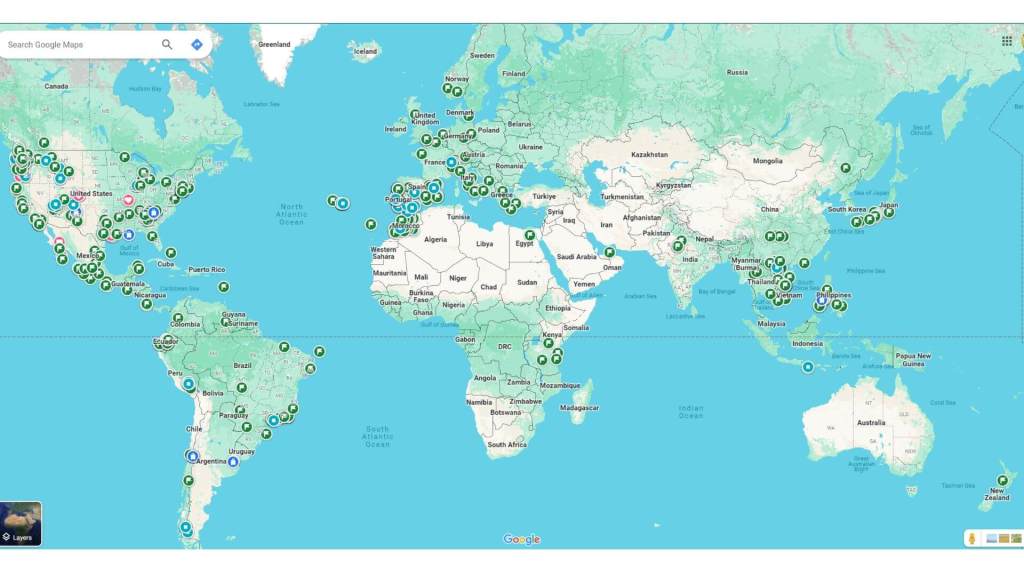
By searching locations on the map, I can save them to different lists. Over time, I’ve developed a collection of virtual pins showing all the places I’ve been and those I dream of visiting soon.
All that’s required to fully utilize the maps list function is a Google account, like a Gmail account. It’s technically free to sign up. The only “cost” is whatever personal data they’re mining…
Here’s how to try it for yourself:
Google Maps List Options
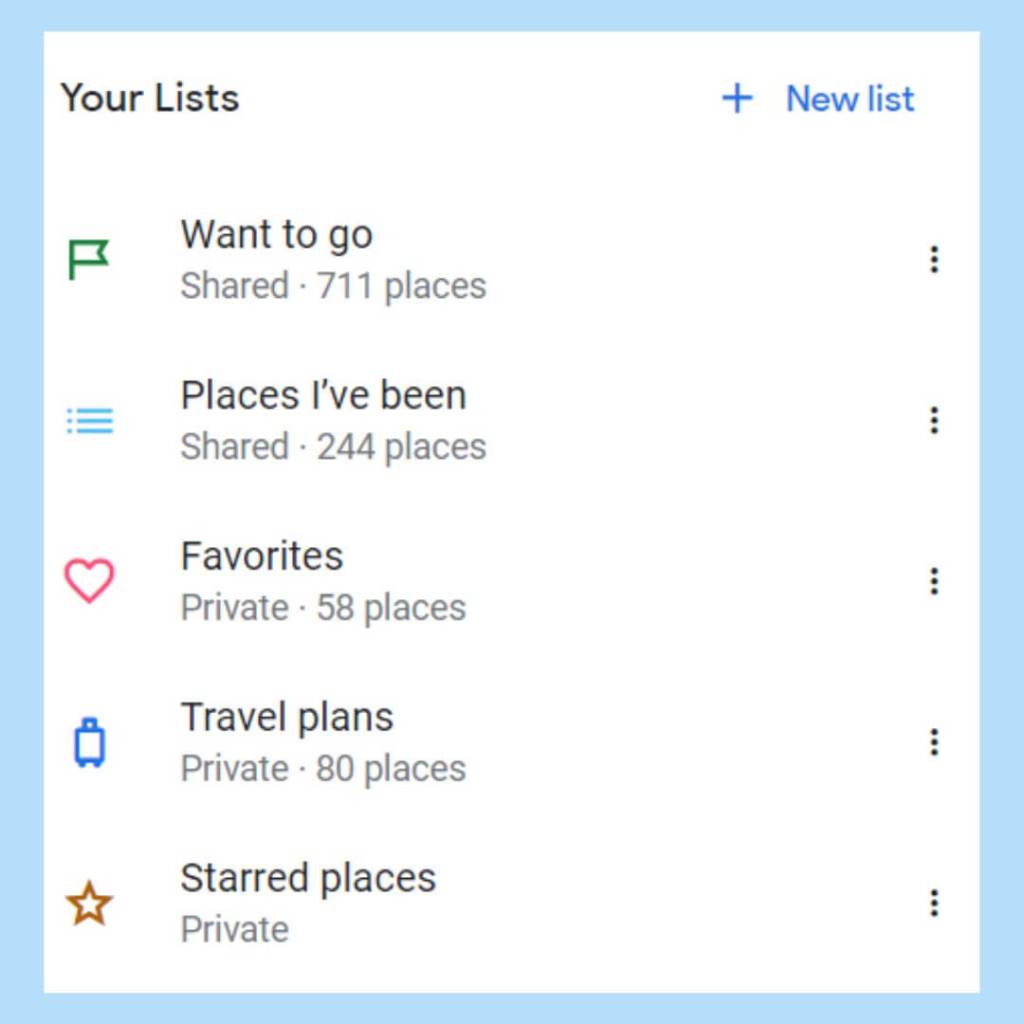
Google automatically comes with 4 standard list options:
- Favorites
See little hearts all over your maps for anything saved on this list!
I mostly use this for important personal addresses or the occasional super amazing spot. - Want to Go
Just heard about a cool new restaurant? Or see your friend venturing through a place? Look it up and save it to this list!
I’ve been using this list since 2017 thanks to the recommendation of a fellow traveler at a hostel in Kanab, Utah. My world map is now covered in spots like a disease of dreams, each little green flag marking somewhere I hope to visit. - Travel Plans
I mostly use the tiny blue suitcases to track lodging, especially if I’m staying in multiple locations. It’s nice to see the journey I’ll be making or how far I’ve already gone. - Starred Places
Similar to Favorites but shows a star on the map instead of a heart.
I don’t use this often.
You can also make your own list if none of the above fits your fancy using the “+New List” option at the top.
I’ve only added one personal list called “Places I’ve Been”. This list keeps track of the plethora of restaurants, museums, churches, trails, parks, etc. that I’ve visited! It’s impossible to remember the name of everywhere you’ve been (at least for me).
Once I visit somewhere on my “Want to Go” list, I’ll save the location to this list. I’ve only been utilizing it since 2022 but I love how it shows the exact parts of the world I’ve already seen.
Share and Explore
Here’s what my Google world map currently looks like thanks to these lists, each mark indicating memories or opportunities:
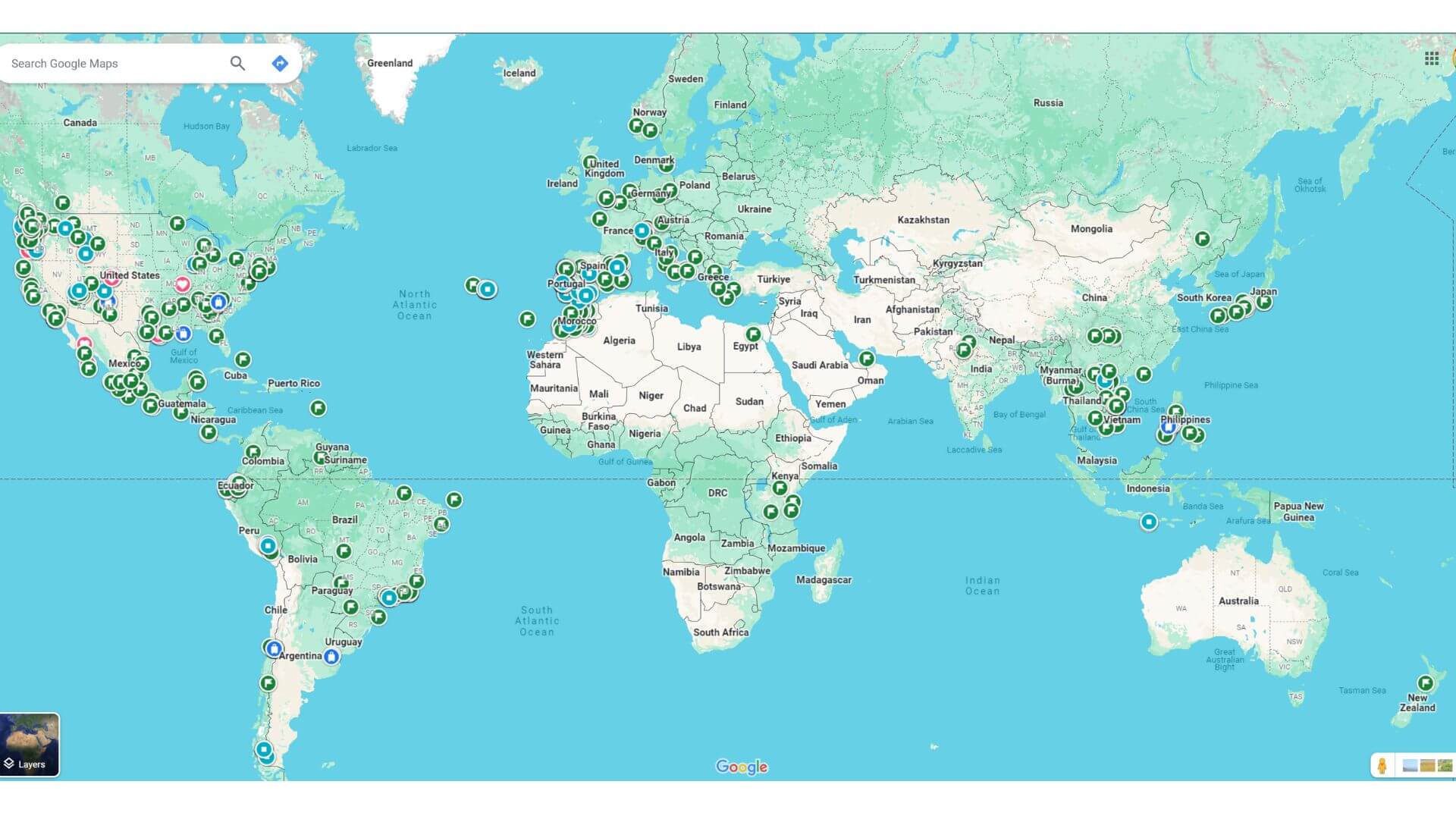
Feel free to explore my travel lists on your own Google map!
Looking for interesting places to go on your next trip? Check out both where I’ve already been and where I’m still dying to visit. From San Diego to Morocco to Patagonia.
Nicole Lyon’s List: Places I’ve Been
Nicole Lyon’s List: Want to Go
And in case you’re new to Google Maps and need a little more direct instruction…
How to Save a Location to Your Google Maps List
- Log onto maps.google.com in a browser or open the app on your phone.
- Search a location in the search bar at the top.
To find a specific location, search the actual name of a place. You might need to specify include a city or country name to make sure it’s the right spot.
Or you can be super generic if you want variety. Like searching just for “gym” or “brewery” or “coffee shop”. If you’re in a country that speaks a different language, I recommend searching by what the locals call something. Like in Latin America, you’ll have better luck finding a good club if you instead search for “discoteca“. - Click on the desired spot so the little red icon is highlighted.
- Click “Save” under the bookmark-looking icon.
- Save the location to your desired list, any of the ones listed above, or create your own.
Other list ideas include: favorite restaurants, hotel, trails, hotels, etc. However you like to stay organized! Note the icons will all be the same across all custom lists. - Add any notes.
I’ll often record who made the recommendation and why. Perhaps Liz loved the veggie burger at Café Luna. Or Jack’s BBQ is best known for its smoked molasses sweet tea.
Hopefully, this helps you start your own lists, keep track of your unique journey, and stay organized for upcoming travels.
Next time someone says, “Let’s go to (insert country here)” you can whip out your map and plan a trip around the places you already know you’ll want to explore!
Happy Travels!
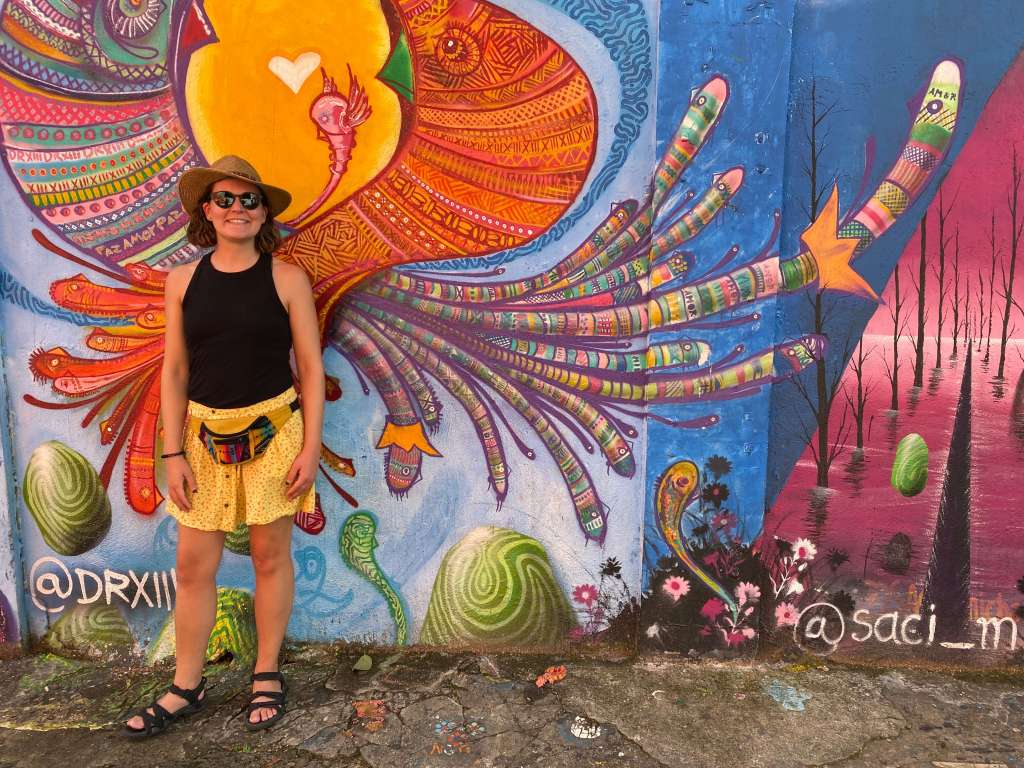
Beco de Batman, São Paulo, Brazil, February 2024
 Stroll with Nicole
Leave a comment